
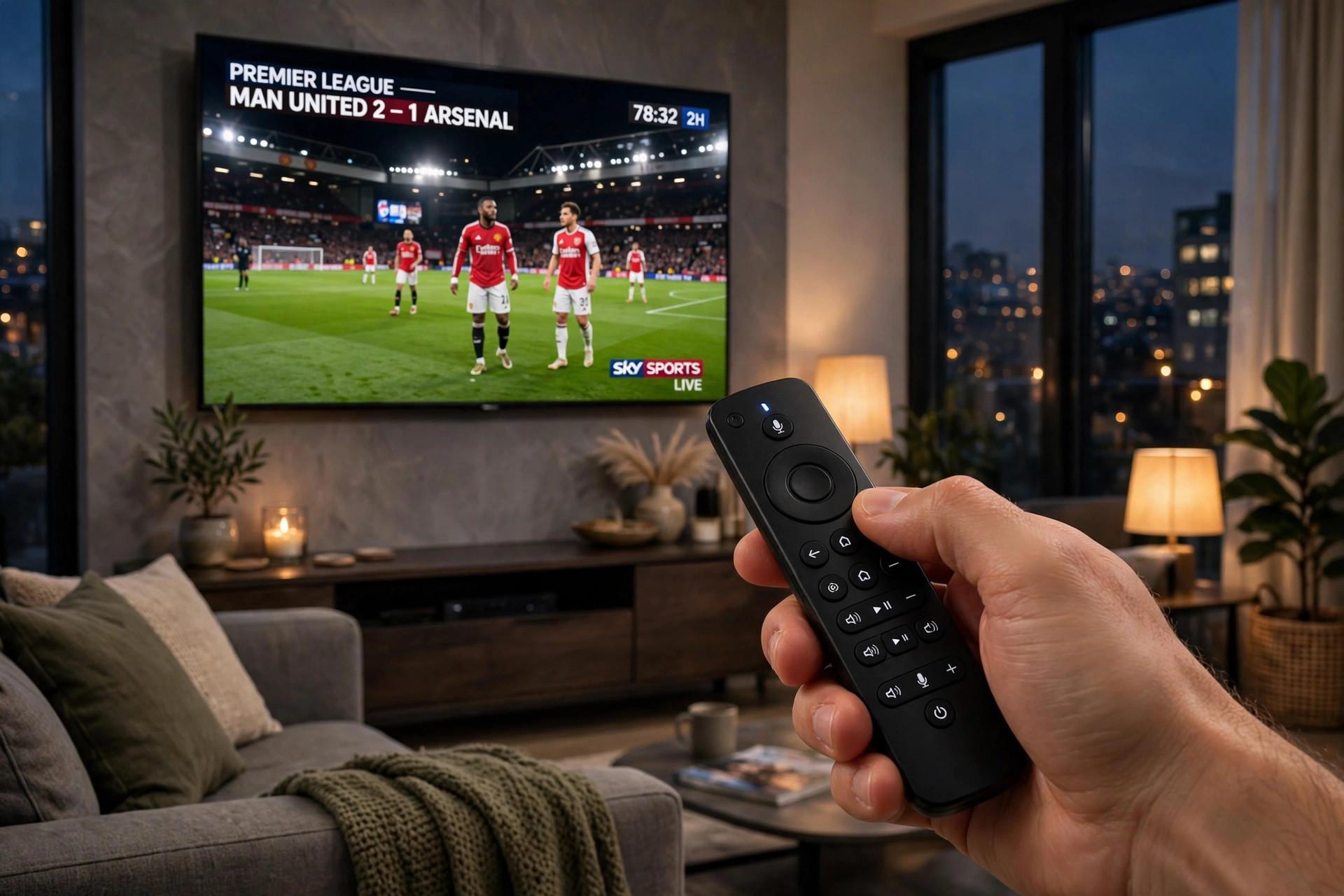
The Amazon Firestick is the device that made IPTV mainstream in America. It costs less than a month of cable, it plugs into the HDMI port of any TV, and it turns a ten-year-old television into a 4K streaming box. The Fire TV Stick 4K Max is the one to buy — faster processor, Wi-Fi 6, 16 GB of storage — but even the basic Stick runs IPTV well. This ranking judges IPTV services the way a Firestick owner does: how fast the app opens, how smooth the guide scrolls, whether 4K holds up on Wi-Fi, and how simple the install is. See the installation guide and follow the five-minute setup below.
How this ranking was put together
Every pick in this ranking was judged the same way, so the list reads the same from number one to number ten. First, the channel lineup: does it carry the best iptv for firestick channels an American household actually watches, in the local broadcast versions that matter, and not just a long list of filler? Second, picture quality on a real evening — a 4K stream that holds up at 8 p.m. on a Sunday counts for far more than a spec sheet. Third, the app experience on the devices people own: Firestick, Samsung and LG smart TVs, Android TV, Apple TV, iPhone and iPad. Fourth, price across the full year, not just the first month. And fifth, support that answers when something breaks during a game.
That order matters. A service can win on price and still lose the ranking if its picture freezes during the fourth quarter, or if its guide shows the wrong program. The same goes the other way: the most expensive option does not win by default. What wins is the combination that holds up night after night — the channels you want, the quality your TV can show, a price that makes sense over twelve months, and a trial that lets you check all of it before you pay. See the plans and prices and compare them against the checklist below, then run the free test yourself.
Best IPTV for Firestick: the five-minute install
The install takes five minutes and one app you already know: Downloader. First, go to Settings, then My Fire TV, then Developer Options, and turn on Apps from Unknown Sources. Second, install Downloader from the Amazon Appstore and open it. Third, download IBO Pro Player via Downloader (ask on WhatsApp for the current code) and press Go. Fourth, install IBO Pro Player, open it, and copy the MAC address and key on the screen. Fifth, send the MAC and key to us on WhatsApp, and we activate your playlist — then restart the app and the channels load. That is the whole install, and support will do it for you free over WhatsApp if you get stuck on any step.
The alternative apps are worth knowing. TiviMate is the best-looking player on Firestick, with the smoothest guide and the best favorites system, and it is the right pick if you watch a lot of live TV. IPTV Smarters Pro is the simplest, with big buttons and an easy login, and it is the right pick if you want the install to be as short as possible. IBO Pro Player is the one we recommend first, because it is the most reliable on the Firestick's hardware and the easiest for support to troubleshoot. All three work with the same login details, so you can switch apps without changing your subscription.
Best IPTV for Firestick: Fire TV Stick 4K Max vs the rest
Not all Firesticks are equal, and the ranking changes with the hardware. The Fire TV Stick 4K Max is the best IPTV device Amazon sells: a faster processor that opens the guide without lag, Wi-Fi 6 that holds a 4K stream further from the router, and 16 GB of storage for the apps and the guide data. The Fire TV Stick 4K is close behind and costs less. The basic Fire TV Stick runs IPTV fine in HD, but it stutters on 4K and its guide scrolls slowly. The Fire TV Cube is the fastest of all, with hands-free Alexa, but it costs more than the Stick 4K Max for little extra benefit on IPTV.
The practical advice is simple: if you are buying a Firestick for IPTV, buy the Stick 4K Max. It is usually on sale for $34.99 to $39.99, and it is the difference between a guide that scrolls smoothly and a guide that lags. If you already own a basic Stick, try the trial on it first — it may be fine for your TV and your internet, and the trial costs nothing. If the guide lags, the upgrade is $35, not a new subscription. The service is the same either way; the hardware decides how smooth it feels.
Best IPTV for Firestick: 4K, Wi-Fi and the guide
The Firestick's weak point is Wi-Fi, and 4K exposes it. A 4K stream needs a steady 25 Mbps, and the Firestick's Wi-Fi antenna is small. The fix is either a wired connection — Amazon sells an Ethernet adapter for the Firestick for $14.99, and it is the single best upgrade for 4K — or a router that is in the same room as the TV. The Stick 4K Max with Wi-Fi 6 helps, but it cannot fix a router two rooms away behind a wall. Test your speed on the Firestick itself at 8 p.m. with a speed-test app: if it reads under 25 Mbps, fix the connection before you judge the service.
The guide is the other Firestick test. TiviMate's guide on the Stick 4K Max is the smoothest in the business: it scrolls without lag, it shows the program art, and it lets you set favorites and reminders with the remote. IBO Pro Player's guide is simpler and faster to load. IPTV Smarters Pro's guide is the easiest to read from the couch. Whichever you choose, set your favorites during the trial — the five channels you watch most, on the front screen — and the Firestick becomes a one-click TV. The installation guide shows the favorites setup for each app.
Best IPTV for Firestick: price and the trial
The Firestick math is the best deal in television. A Fire TV Stick 4K Max costs about $35 on sale, and Top IPTV USA Premium costs $99.99 for a full year — so the first year of television on any TV in the house costs about $135, against more than $1,000 for cable and $995.88 for YouTube TV. Basic is $59.99 a year, so the first year on Basic is under $95. The Firestick plus the annual plan is the cheapest way to get 4K television in America, and it is also the simplest: one remote, one app, one subscription.
Start with the trial, not the purchase. Message us on WhatsApp, get the free 24-hour trial, install IBO Pro Player with the five-minute guide, and watch the game on the Firestick tonight. Check the guide speed, the 4K picture and the channel change time. If all three are good, buy the annual plan and the trial becomes the first day of the subscription. If anything is slow, message support while the trial is running — the fix is usually a setting, not a new subscription.
Top IPTV USA plans and prices
Top IPTV USA runs two tiers, and the choice between them is simpler than most providers make it. Basic starts at $14.99 for one month and drops to $59.99 for twelve months, which works out at $4.99 a month. It carries 10,000+ channels and 80,000 movies and series in HD and Full HD — enough for a household that mainly watches the big broadcast networks, cable news and a steady rotation of films. Premium starts at $19.99 for one month and $99.99 for twelve months, or $8.33 a month, and adds the full 57,000+ channels, 185,000+ movies and 49,000+ series in 4K and 8K, plus every sport and every pay-per-view night.
Multi-device households should look at the annual multi-device plans, because the saving is real. Premium for two devices costs $159.99 a year, three devices $224.99 and four devices $269.99 — that is $22.50 a month for four screens, each with its own stream. Basic multi-device plans run $109.99, $159.99 and $199.99 a year. Both tiers are paid in US dollars by card, and both start with the same free 24-hour trial, so there is no reason to guess: check the current plans and test the tier you are considering for a full evening first.
| Plan | Price | Works out at | Devices |
|---|---|---|---|
| Basic 1 month | $14.99 | $14.99 a month | 1 |
| Basic 3 months | $24.99 | $8.33 a month | 1 |
| Basic 6 months | $39.99 | $6.66 a month | 1 |
| Basic 12 months | $59.99 | $4.99 a month | 1 |
| Basic 12 months, 2 devices | $109.99 | $9.16 a month | 2 |
| Basic 12 months, 3 devices | $159.99 | $13.33 a month | 3 |
| Basic 12 months, 4 devices | $199.99 | $16.66 a month | 4 |
| Premium 1 month | $19.99 | $19.99 a month | 1 |
| Premium 3 months | $49.99 | $16.66 a month | 1 |
| Premium 6 months | $79.99 | $13.33 a month | 1 |
| Premium 12 months | $99.99 | $8.33 a month | 1 |
| Premium 12 months, 2 devices | $159.99 | $13.33 a month | 2 |
| Premium 12 months, 3 devices | $224.99 | $18.75 a month | 3 |
| Premium 12 months, 4 devices | $269.99 | $22.50 a month | 4 |
Test it free for 24 hours before you pay
The honest way to settle any ranking is a live test, and that is exactly what the free 24-hour trial is for. Message us on WhatsApp, get your login details, and run the service through the evening — not at noon, when the internet is quiet, but at the time you actually watch. Check the best iptv for firestick channels first, then a film in 4K, then the guide. Flip between channels and time how long the picture takes to appear. If anything stutters, message support while the trial is running and see how fast a real person answers.
- Message us on WhatsApp and ask for the free 24-hour trial — no card details needed.
- Install the player app for your device from the installation guide (Firestick, Smart TV, Android, iOS, Apple TV, Windows or Mac).
- Log in with the details we send you and watch your most important channels at peak time, around 8 p.m.
- Test a 4K movie, open the TV guide, and flip between three or four channels in a row.
- If a channel ever freezes, message support on WhatsApp and time the reply — then decide with real evidence.
The bottom line
The best IPTV for Firestick USA is the service that feels like it was built for the remote in your hand: a five-minute install, a guide that scrolls without lag, 4K that holds up on Wi-Fi, and a price that makes the $35 Stick the whole television. Top IPTV USA does all of it, and the trial is free. Install it tonight, watch the game, and let the Firestick decide.