
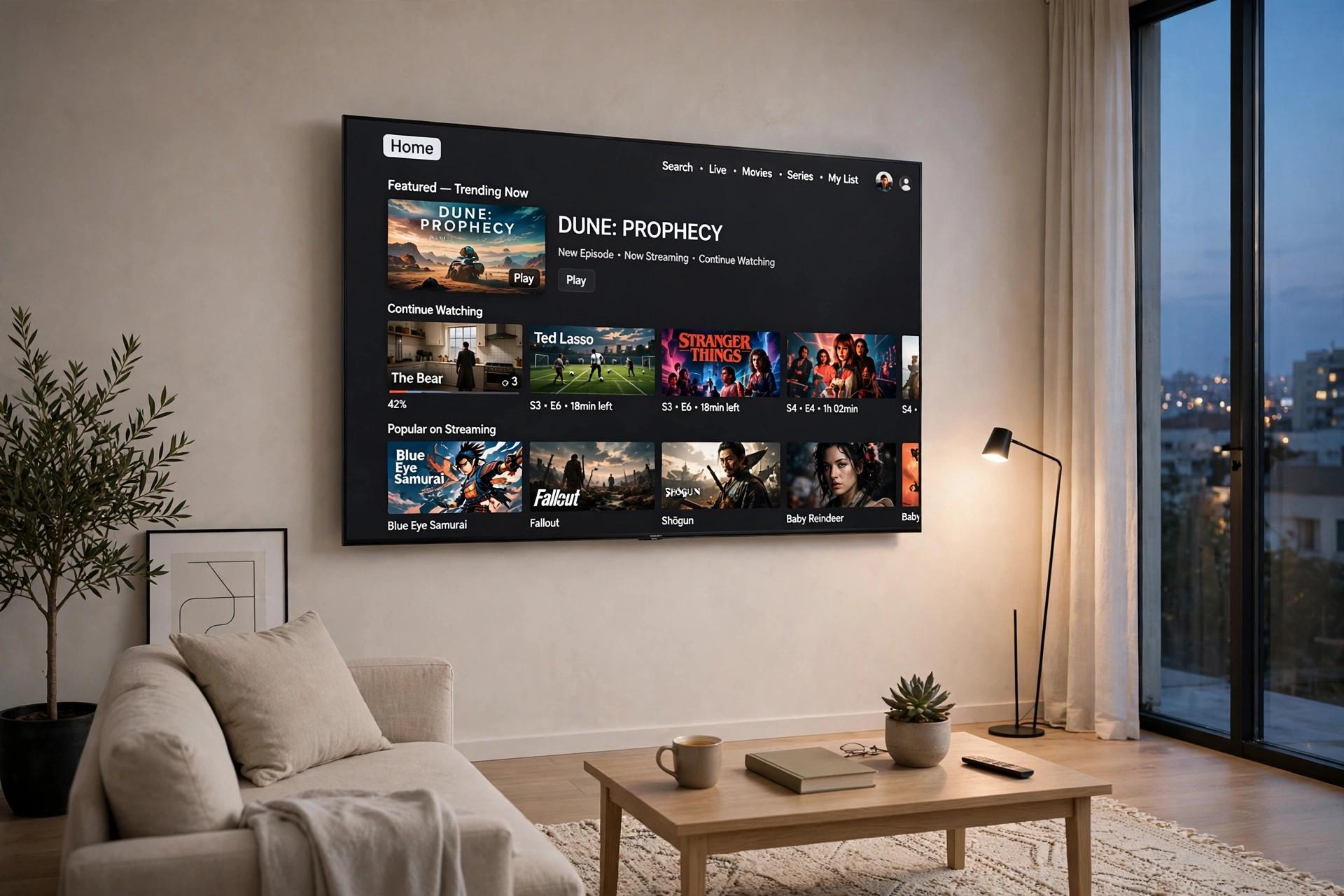
The smart TV is the device most Americans already own and least use properly. It has an app store, a 4K screen and a remote — everything IPTV needs — and most households still plug a second box into it because nobody showed them the app. This ranking judges IPTV services the way a smart TV owner does: is the app in the TV's store, does it open fast, does the guide work with the TV remote, and does 4K hold up without a box? See the installation guide and follow the five-minute setup below.
How this ranking was put together
Every pick in this ranking was judged the same way, so the list reads the same from number one to number ten. First, the channel lineup: does it carry the best iptv for smart tv channels an American household actually watches, in the local broadcast versions that matter, and not just a long list of filler? Second, picture quality on a real evening — a 4K stream that holds up at 8 p.m. on a Sunday counts for far more than a spec sheet. Third, the app experience on the devices people own: Firestick, Samsung and LG smart TVs, Android TV, Apple TV, iPhone and iPad. Fourth, price across the full year, not just the first month. And fifth, support that answers when something breaks during a game.
That order matters. A service can win on price and still lose the ranking if its picture freezes during the fourth quarter, or if its guide shows the wrong program. The same goes the other way: the most expensive option does not win by default. What wins is the combination that holds up night after night — the channels you want, the quality your TV can show, a price that makes sense over twelve months, and a trial that lets you check all of it before you pay. See the plans and prices and compare them against the checklist below, then run the free test yourself.
Best IPTV for Smart TV: Samsung Tizen setup
Samsung sells more smart TVs in America than any other brand, and its Tizen app store is the first place to look. Open the app store on the TV, search for IBO Player, install it, and open it — the app shows a MAC address and a key on the screen. Send the MAC and key to us on WhatsApp, and we activate your playlist; restart the app and the channels load. The whole setup takes five minutes, and it needs no Firestick, no box and no cables. The Samsung remote's channel buttons flip channels, the guide button opens the TV guide, and the colored buttons jump to favorites.
The Samsung test is the guide test. Tizen's IBO Player loads the guide fast on the newer models — the 2022 and later Crystal UHD and QLED sets — and slower on the older ones, where the processor is weaker. If your Samsung is more than five years old and the guide lags, the fix is a $35 Fire TV Stick 4K Max in the HDMI port, not a new TV: the service is the same, the hardware is the difference. During the trial, scroll the guide on your Samsung and time how long it takes to load a full evening. If it loads in under five seconds, the TV is ready.
Best IPTV for Smart TV: LG webOS setup
LG's webOS is the second most common smart TV system in America, and its app store carries the same players. Open the LG Content Store, search for IBO Player or Smart IPTV, install it, and open it — the MAC address and key appear on the screen. Send them to us on WhatsApp, we activate the playlist, and the channels load after a restart. The LG Magic Remote is the best IPTV remote in the business: point at the screen to click, scroll with the wheel, and use the number buttons to jump straight to a channel. The 2023 and later LG OLED and QNED sets load the guide fastest, and the 4K on an LG OLED is the best picture in this ranking.
The LG test is the 4K test. An LG OLED shows 4K the way it was meant to be seen — perfect blacks, infinite contrast, and a picture that makes a 4K film look like a cinema. Top IPTV USA Premium streams 4K films and 4K sports to the LG, and the trial evening should be spent on the OLED in a dark room: a 4K film first, then a live game. If the blacks are clean and the picture never softens, the combination of the LG and the service is the best home cinema in this ranking — for $99.99 a year plus the TV you already own.
Best IPTV for Smart TV: Sony, Hisense and the rest
Sony and Hisense smart TVs run Android TV or Google TV, which means they run TiviMate — the best-looking IPTV player there is. Install TiviMate from the Google Play Store on the TV, open it, choose Add Playlist and Xtream Codes login, and enter the username, password and server URL we send you on WhatsApp. The playlist and the guide load, and the TV remote's guide button opens a TV guide that looks like cable, only faster. Sony's Bravia sets and Hisense's ULED sets both handle 4K well, and the Android TV system means the same apps work on the TV and on the phone.
The Android TV test is the favorites test. TiviMate lets you build a favorites list per person, set reminders for the games, and record a show to the TV's storage — and it does all of it with the TV remote, without a phone in your hand. During the trial, set your five favorite channels, set a reminder for the next game, and check that the reminder appears on the home screen. If it does, the TV is doing the work of a cable box, and the cable box is the thing you no longer need.
Best IPTV for Smart TV: no box needed, but a box helps
The honest answer is that the smart TV app is enough for most households, and a $35 Firestick 4K Max is the upgrade for the rest. The TV app is free, it needs no extra remote, and it runs the same subscription. The Firestick is faster on older TVs, it carries TiviMate and IPTV Smarters Pro as well as IBO Player, and its Wi-Fi 6 holds a 4K stream further from the router. The right order is: try the TV app first during the free trial, and only buy the Firestick if the guide lags or the 4K softens. The service costs the same either way, and the trial costs nothing.
The setup order matters. Start the trial on WhatsApp, install the app from the TV's store, send the MAC and key, and watch the game tonight. Check the guide speed, the 4K picture and the channel change time. If all three are good, the smart TV is the whole system — no box, no cables, no second remote. If the guide lags, plug in the Firestick and run the same three checks again. Either way, message us on WhatsApp and support will walk you through it free.
Top IPTV USA plans and prices
Top IPTV USA runs two tiers, and the choice between them is simpler than most providers make it. Basic starts at $14.99 for one month and drops to $59.99 for twelve months, which works out at $4.99 a month. It carries 10,000+ channels and 80,000 movies and series in HD and Full HD — enough for a household that mainly watches the big broadcast networks, cable news and a steady rotation of films. Premium starts at $19.99 for one month and $99.99 for twelve months, or $8.33 a month, and adds the full 57,000+ channels, 185,000+ movies and 49,000+ series in 4K and 8K, plus every sport and every pay-per-view night.
Multi-device households should look at the annual multi-device plans, because the saving is real. Premium for two devices costs $159.99 a year, three devices $224.99 and four devices $269.99 — that is $22.50 a month for four screens, each with its own stream. Basic multi-device plans run $109.99, $159.99 and $199.99 a year. Both tiers are paid in US dollars by card, and both start with the same free 24-hour trial, so there is no reason to guess: check the current plans and test the tier you are considering for a full evening first.
| Plan | Price | Works out at | Devices |
|---|---|---|---|
| Basic 1 month | $14.99 | $14.99 a month | 1 |
| Basic 3 months | $24.99 | $8.33 a month | 1 |
| Basic 6 months | $39.99 | $6.66 a month | 1 |
| Basic 12 months | $59.99 | $4.99 a month | 1 |
| Basic 12 months, 2 devices | $109.99 | $9.16 a month | 2 |
| Basic 12 months, 3 devices | $159.99 | $13.33 a month | 3 |
| Basic 12 months, 4 devices | $199.99 | $16.66 a month | 4 |
| Premium 1 month | $19.99 | $19.99 a month | 1 |
| Premium 3 months | $49.99 | $16.66 a month | 1 |
| Premium 6 months | $79.99 | $13.33 a month | 1 |
| Premium 12 months | $99.99 | $8.33 a month | 1 |
| Premium 12 months, 2 devices | $159.99 | $13.33 a month | 2 |
| Premium 12 months, 3 devices | $224.99 | $18.75 a month | 3 |
| Premium 12 months, 4 devices | $269.99 | $22.50 a month | 4 |
Test it free for 24 hours before you pay
The honest way to settle any ranking is a live test, and that is exactly what the free 24-hour trial is for. Message us on WhatsApp, get your login details, and run the service through the evening — not at noon, when the internet is quiet, but at the time you actually watch. Check the best iptv for smart tv channels first, then a film in 4K, then the guide. Flip between channels and time how long the picture takes to appear. If anything stutters, message support while the trial is running and see how fast a real person answers.
- Message us on WhatsApp and ask for the free 24-hour trial — no card details needed.
- Install the player app for your device from the installation guide (Firestick, Smart TV, Android, iOS, Apple TV, Windows or Mac).
- Log in with the details we send you and watch your most important channels at peak time, around 8 p.m.
- Test a 4K movie, open the TV guide, and flip between three or four channels in a row.
- If a channel ever freezes, message support on WhatsApp and time the reply — then decide with real evidence.
The bottom line
The best IPTV for Smart TV USA is the service that lives on the TV you already own: a five-minute install from the app store, a guide that works with the TV remote, 4K that holds up without a box, and a price of $99.99 a year. Try the app on your Samsung or LG tonight, free, and let the remote decide.